 Xtrable
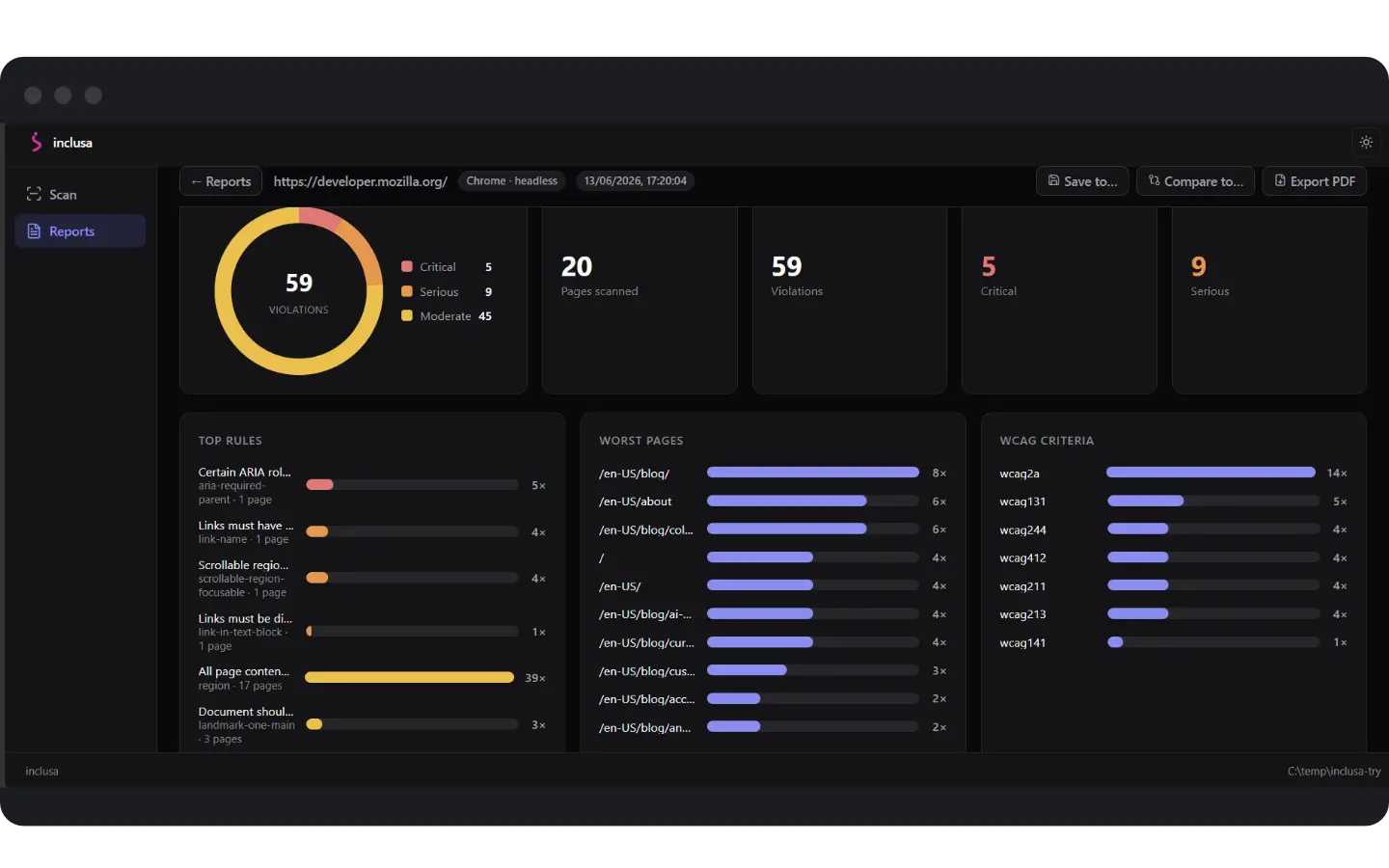
Inclusa is an accessibility tool you install like any other command line tool. Point it at a URL, and it opens each page in a real Chromium browser you already have, runs accessibility checks against the rendered DOM, and builds a structured WCAG report as it crawls. The report is a plain file in your repo, so it diffs cleanly over time and can be re-opened and re-rendered with nothing lost.
How it works
Run inclusa in any project folder and it boots a studio in your browser, scoped to that folder. It drives a Chromium browser you already have over the DevTools Protocol, so there is no bundled headless download, no native binaries, no compiler, and no admin rights. The checks run inside the real, rendered page, so single page apps and client routed pages are checked the way a user actually sees them.
Honest by design
Automated testing reliably catches only a portion of WCAG. Inclusa never claims full conformance or legal compliance from an automated scan. A clean result is reported as no automated failures at this level, always paired with the needs review bucket and a plain limitations statement. That honesty runs through the studio scorecard, the CI gate, and the exported PDF.
From local check to pipeline gate to boardroom PDF
The same tool scans a single page or crawls a whole site, gates your pipeline with inclusa scan --ci and emits SARIF and JUnit, compares a run against a committed baseline to catch regressions, and exports a polished, white labelled assessment PDF to hand to a tech leader or client.