 Xtrable
NeoArc starts from one canonical model: the entities and relationships that describe your domain, in one place, before anything downstream depends on them. This guide takes you from an empty workspace to a real entity with typed properties and a primary key. It takes about two minutes.
Open Model
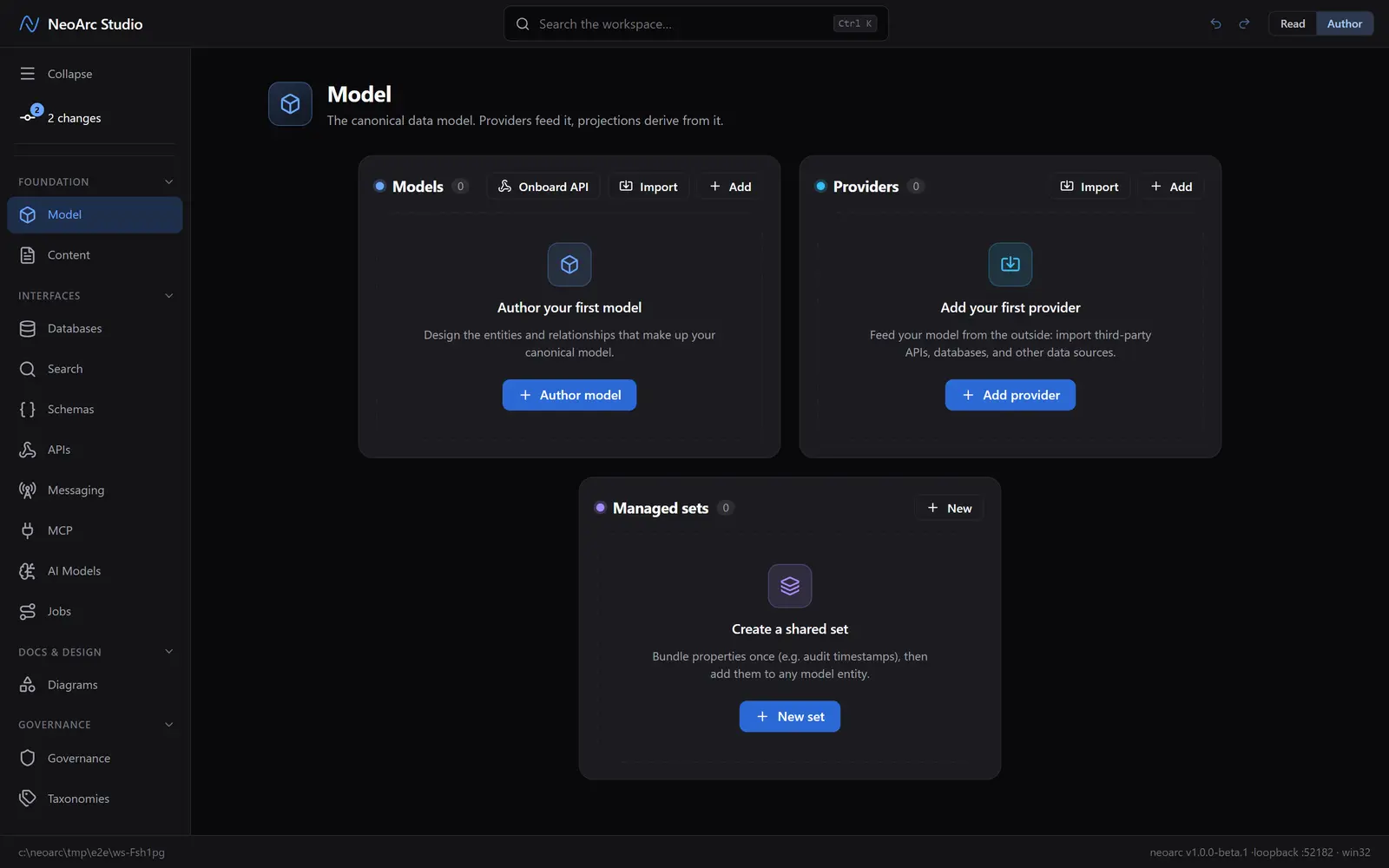
Model is the top entry in the left-hand sidebar, and where every project begins. Set the top-right toggle to Author, not Read: Read is the calm, locked view for browsing, Author is where you build.
Name your model
A model is a named domain of entities, for example Ordering, Billing, or Identity. The Model screen offers a few ways to start; we are building by hand, so use the Models panel on the left.
1. Click Author model (or Add in the panel header).
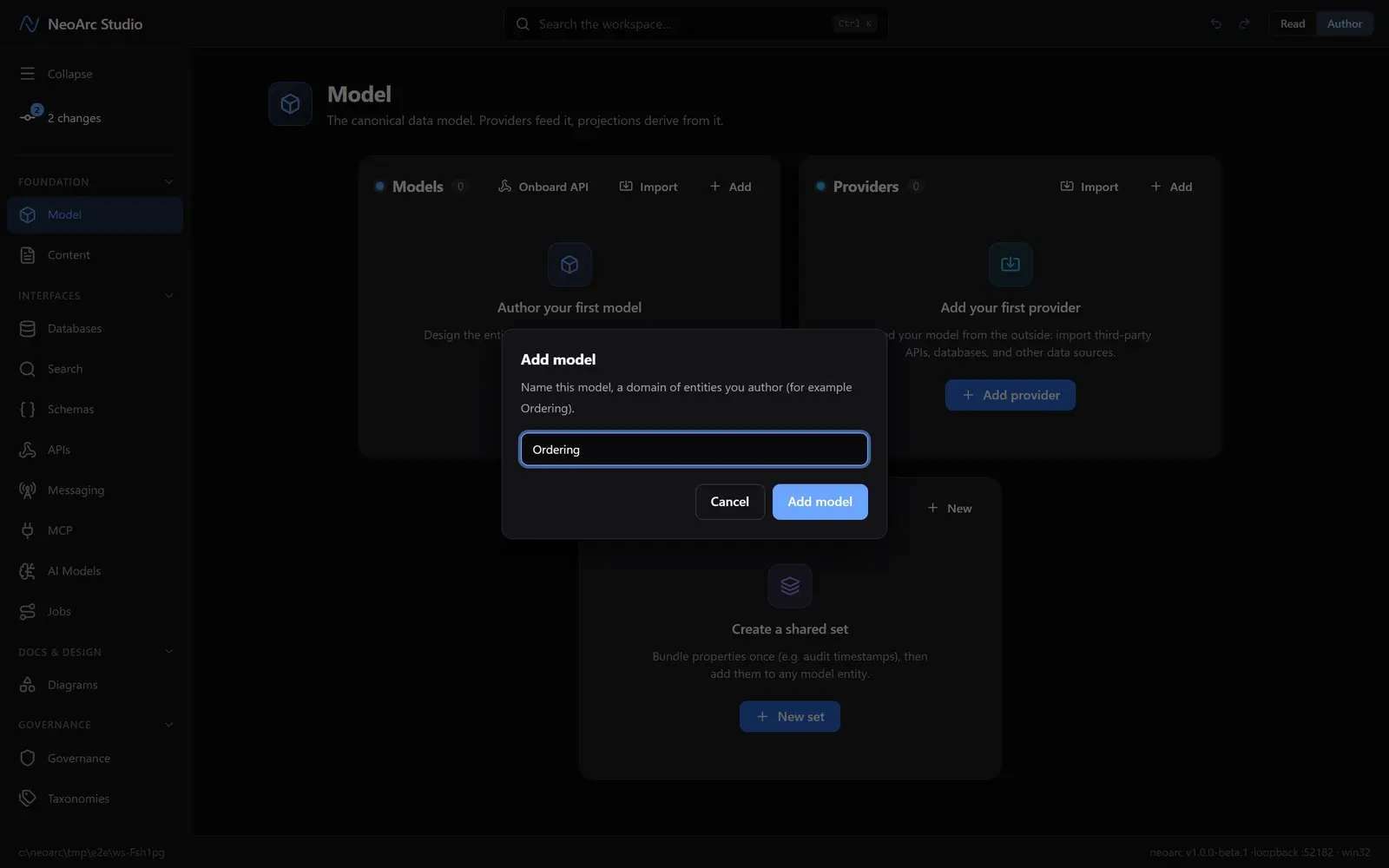
2. Name it `Ordering`, then click Add model.
Create your first entity
The model opens empty, ready for its first entity. An entity is a thing your domain cares about: a customer, an order, an invoice.
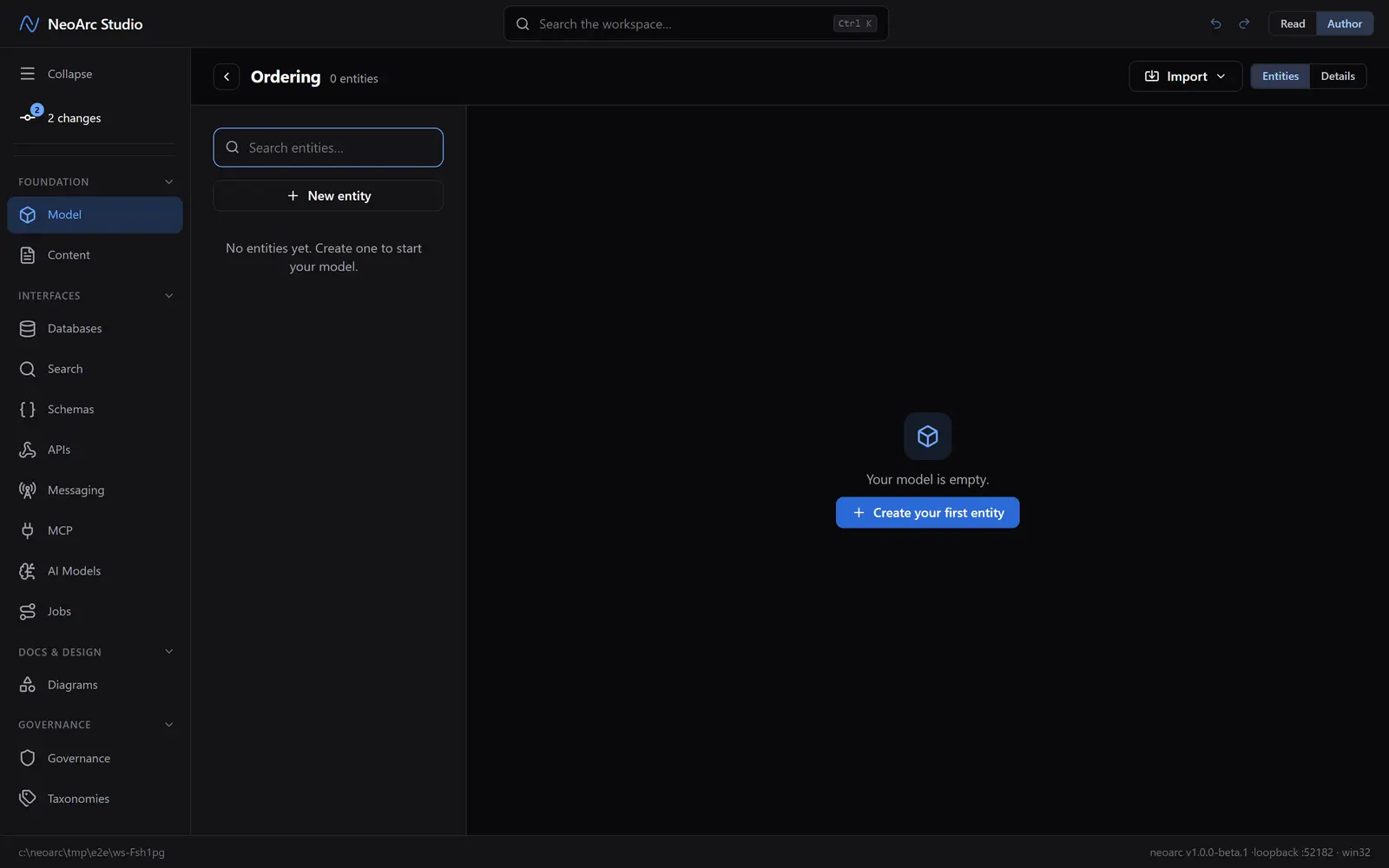
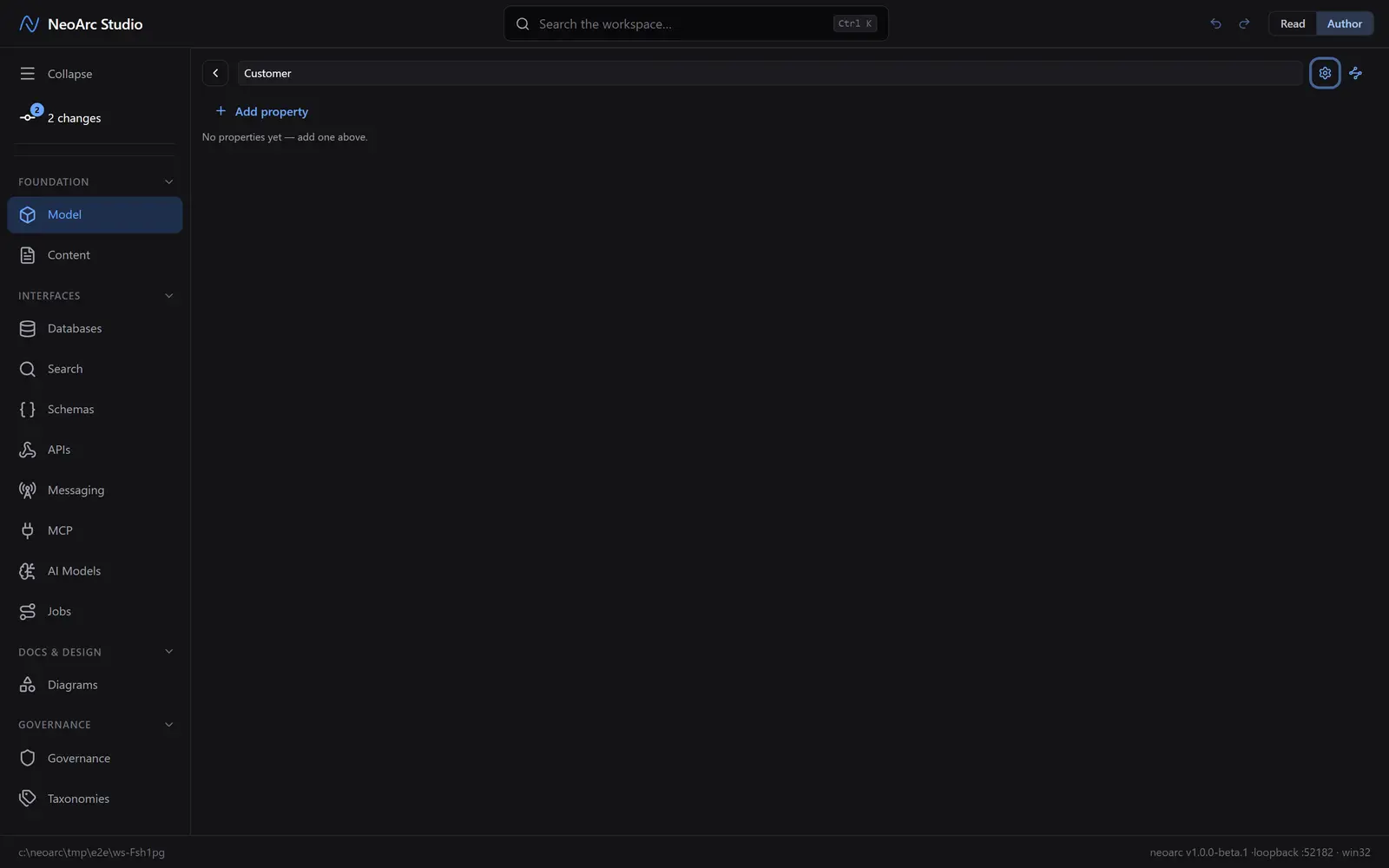
Click Create your first entity. The entity appears straight away with its name field focused, so just type `Customer`. It saves as you type, there is no second dialog.
Give it some properties
Properties are the fields on the entity. Add three with Add property:
1. `id`, then tick PK (the primary key). Req, Unq and Idx come along automatically: a key is required, unique and indexed by definition.
2. `email`, ticking Req (Required) and Unq (Unique).
3. `displayName`, left as a plain string (the default).
The other flags (FK and NK) we leave alone for now.
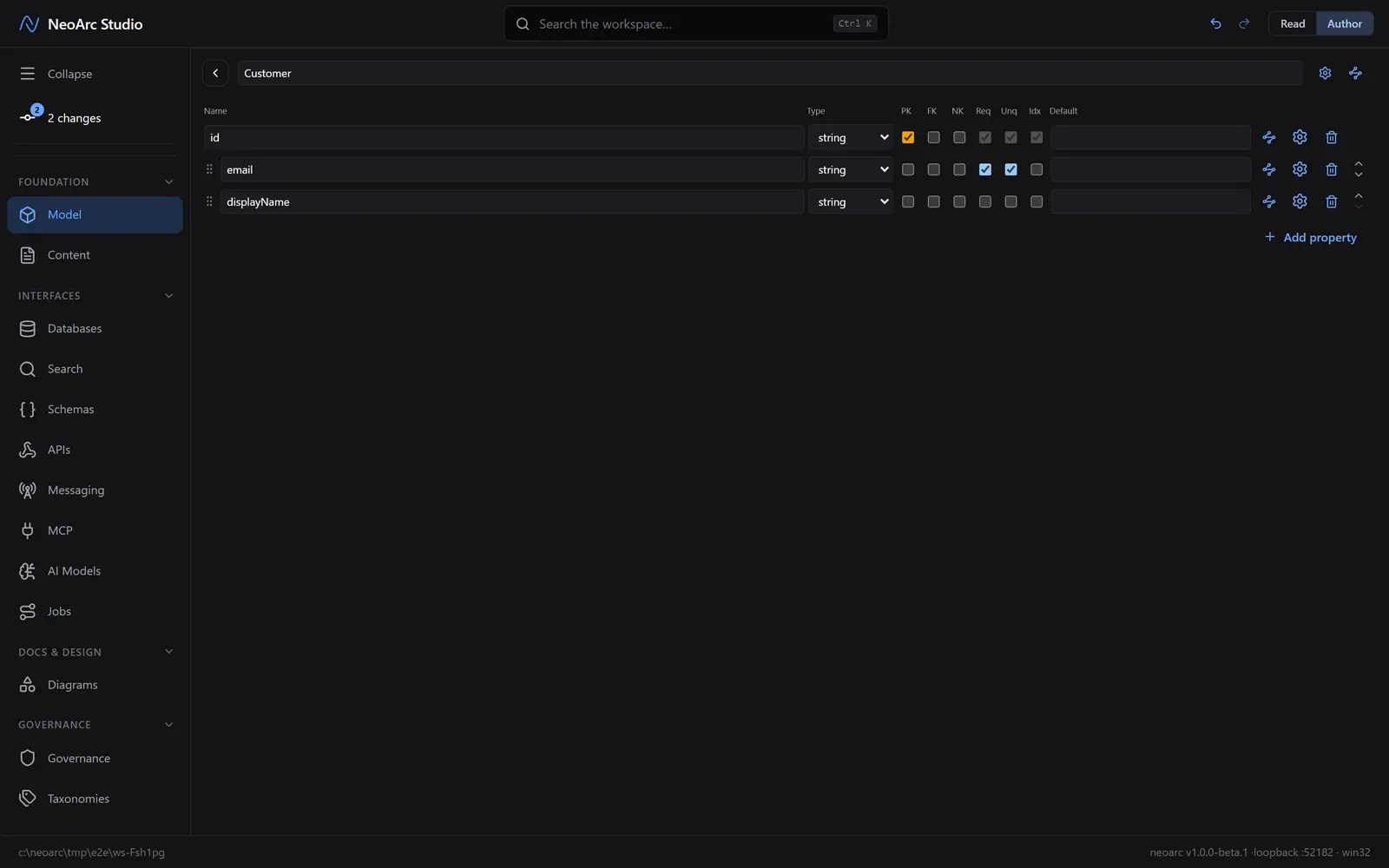
That is a complete, well-formed entity: a key, a required unique field, and a label.
See it come together
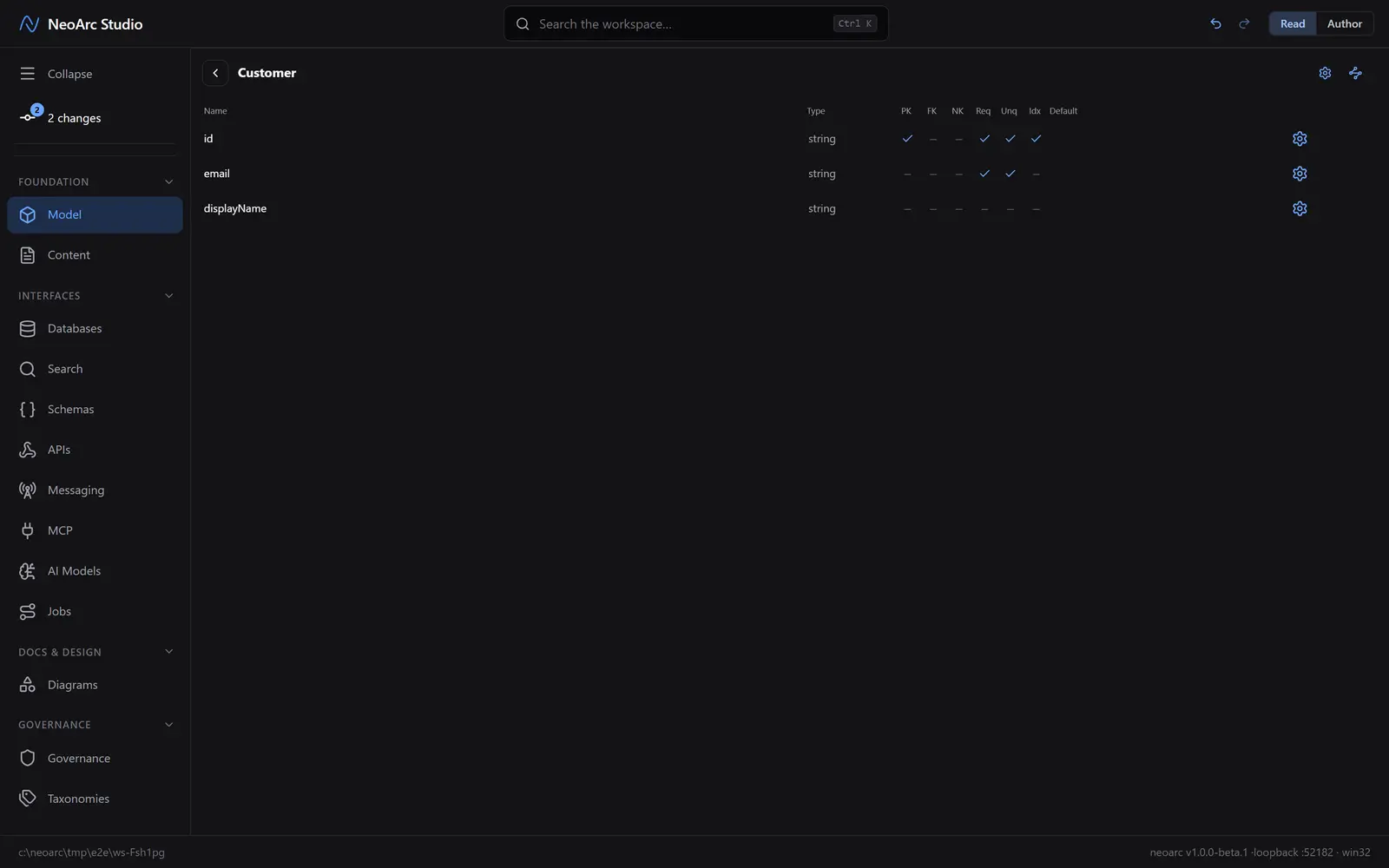
Flip the top-right toggle to Read. The controls fall away and you get the clean, shareable view of what you just built, keys and constraints included. This is the face your teammates see.
What next
Your model is the source of truth. From here you can:
- Add more entities and wire relationships between them (foreign keys).
- Turn the model into a real database, API, or search index, with every field traceable back to the ones you just typed.
- Onboard an existing API and let NeoArc reverse-engineer the model for you.