 Xtrable
Your model is the single source of truth. A projection maps it onto a concrete target, a real database, and keeps a live link back: the database's shape is derived from the model, and every column stays traceable to the field it came from. This guide projects the `Ordering` model onto a PostgreSQL database in under a minute.
Before you start
You need a model with at least one entity. Following [Model your first entity](../01-model-your-first-entity), build a model named `Ordering` with a `Customer` entity: `id` (uuid, PK), `email`, and `name`.
Add a database
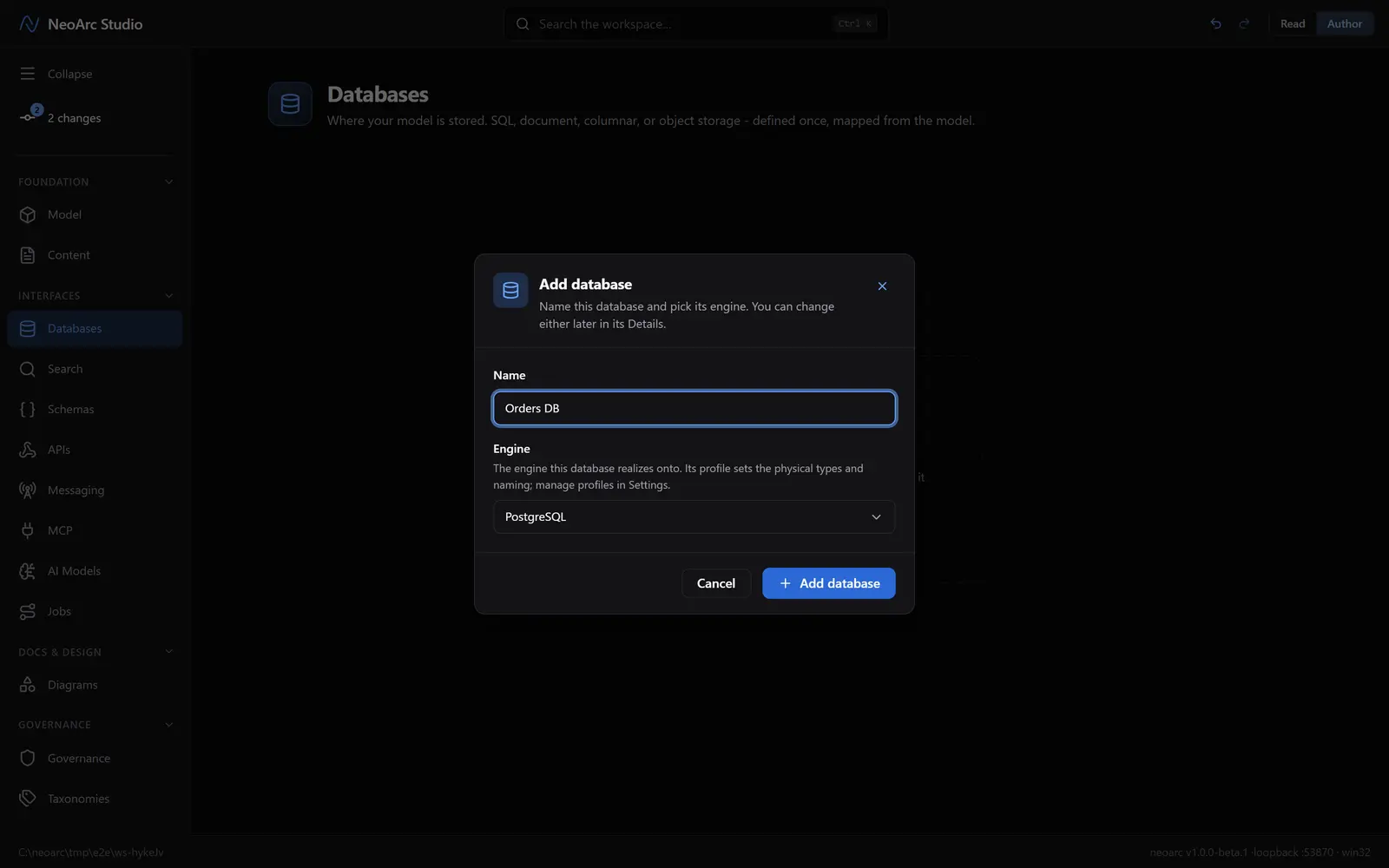
Open Databases in the left sidebar (under Interfaces). Click Add database, name it `Orders DB`, and choose the PostgreSQL engine. The engine sets the physical types and naming, and you can change it later.
Mirror the model
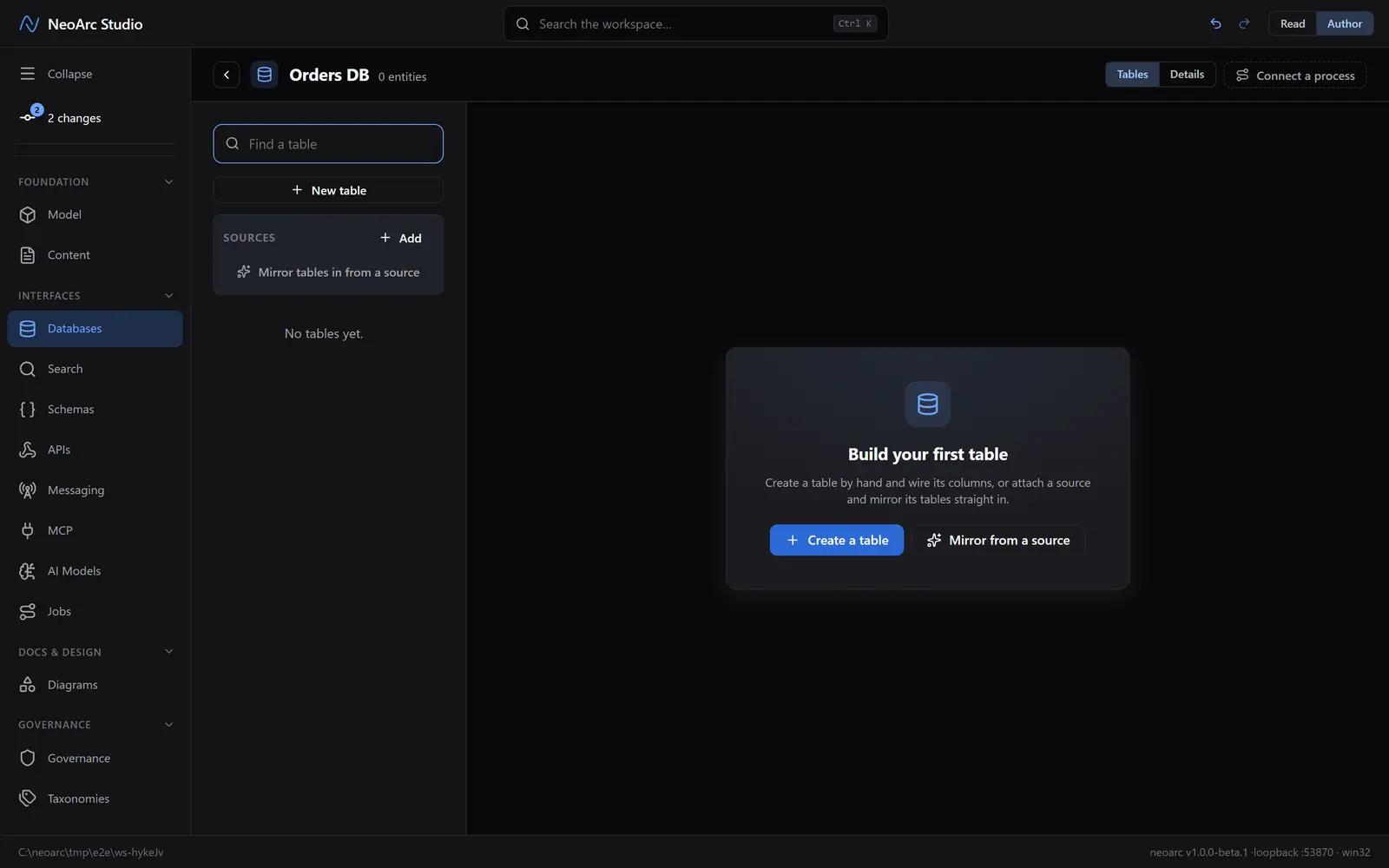
The new database is empty. You could design tables by hand, but the fast path is to mirror them straight from the model. In the centre panel, click Mirror from a source.
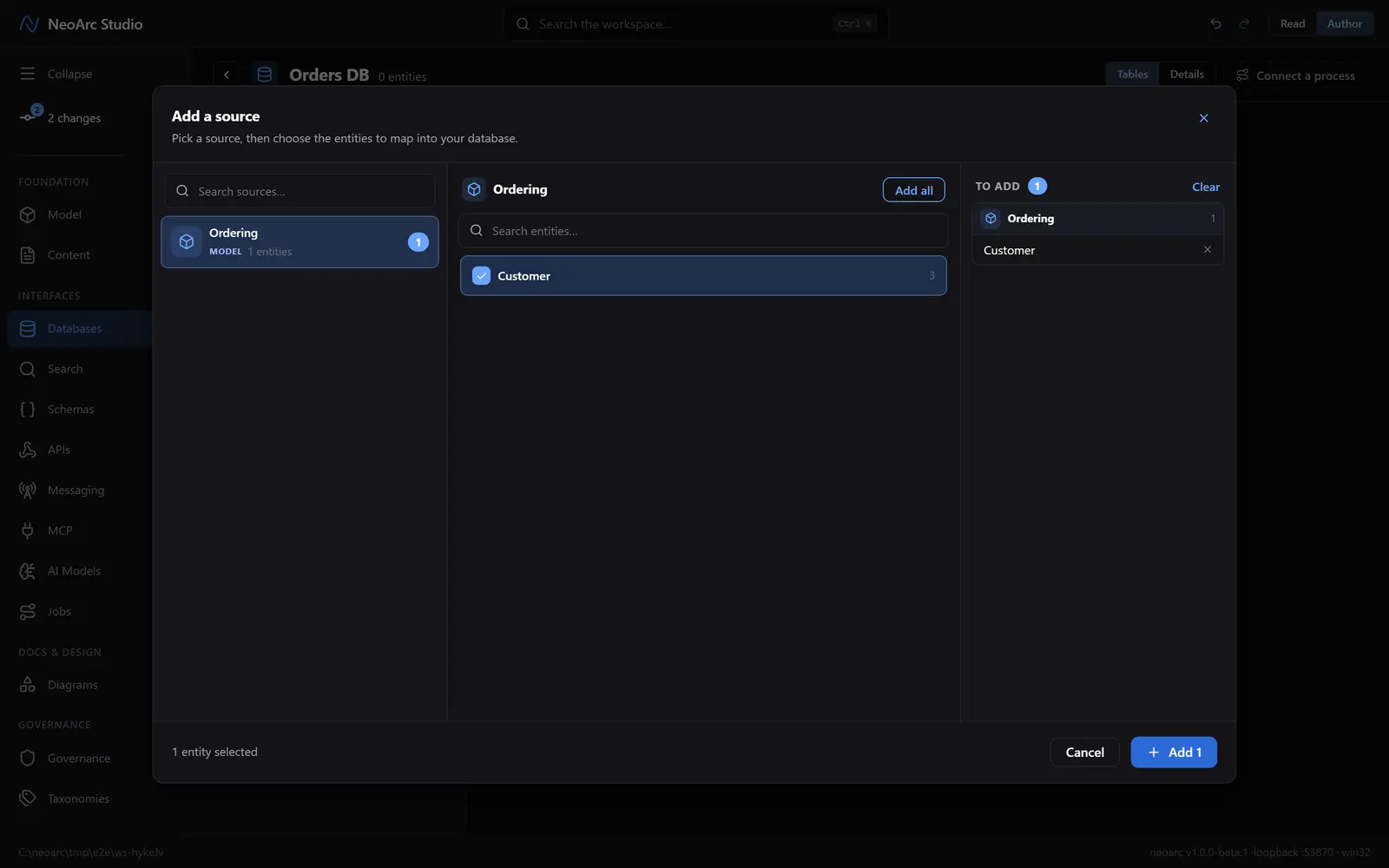
In the dialog that opens, pick Ordering, choose Add all, then confirm with Add 1.
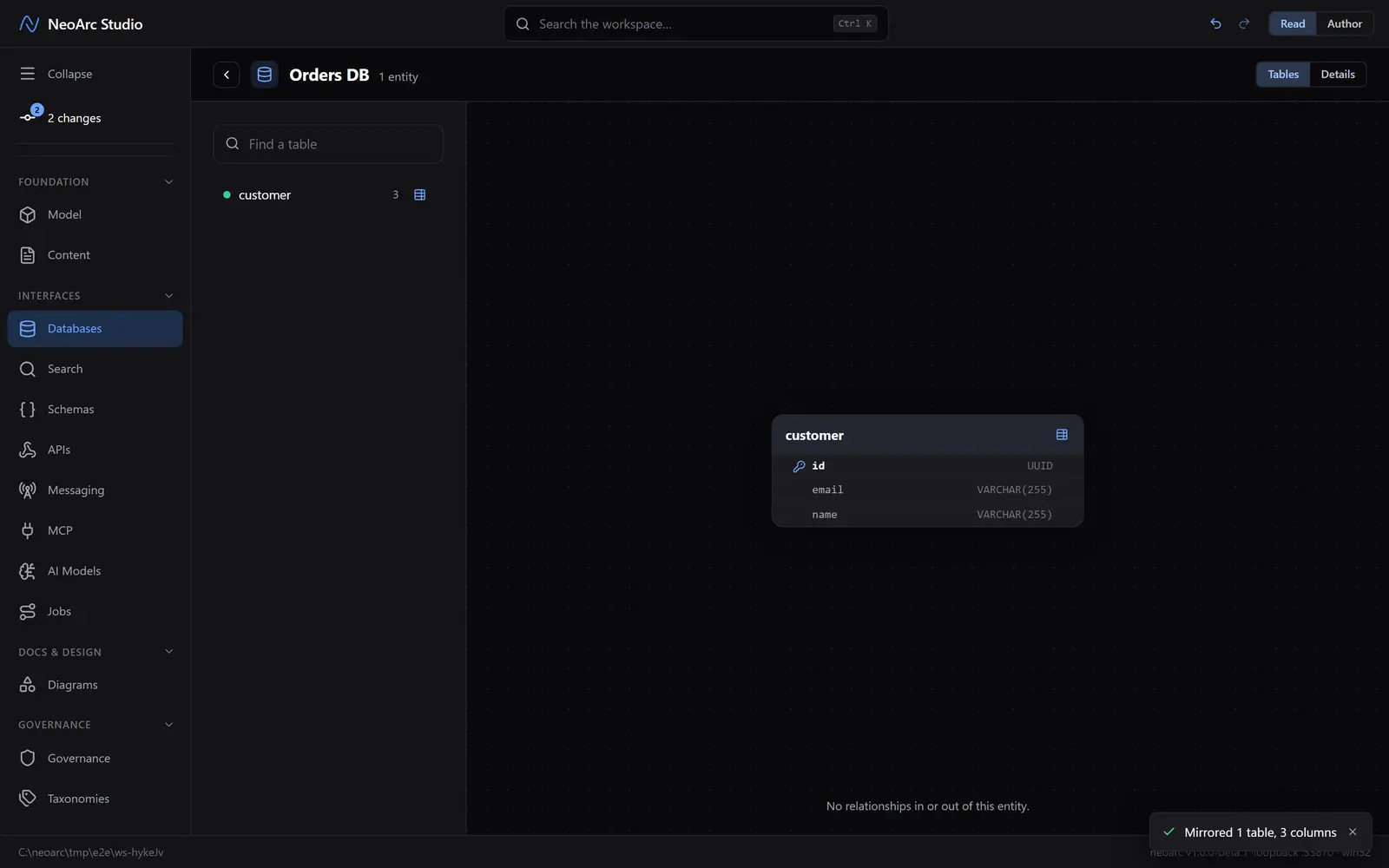
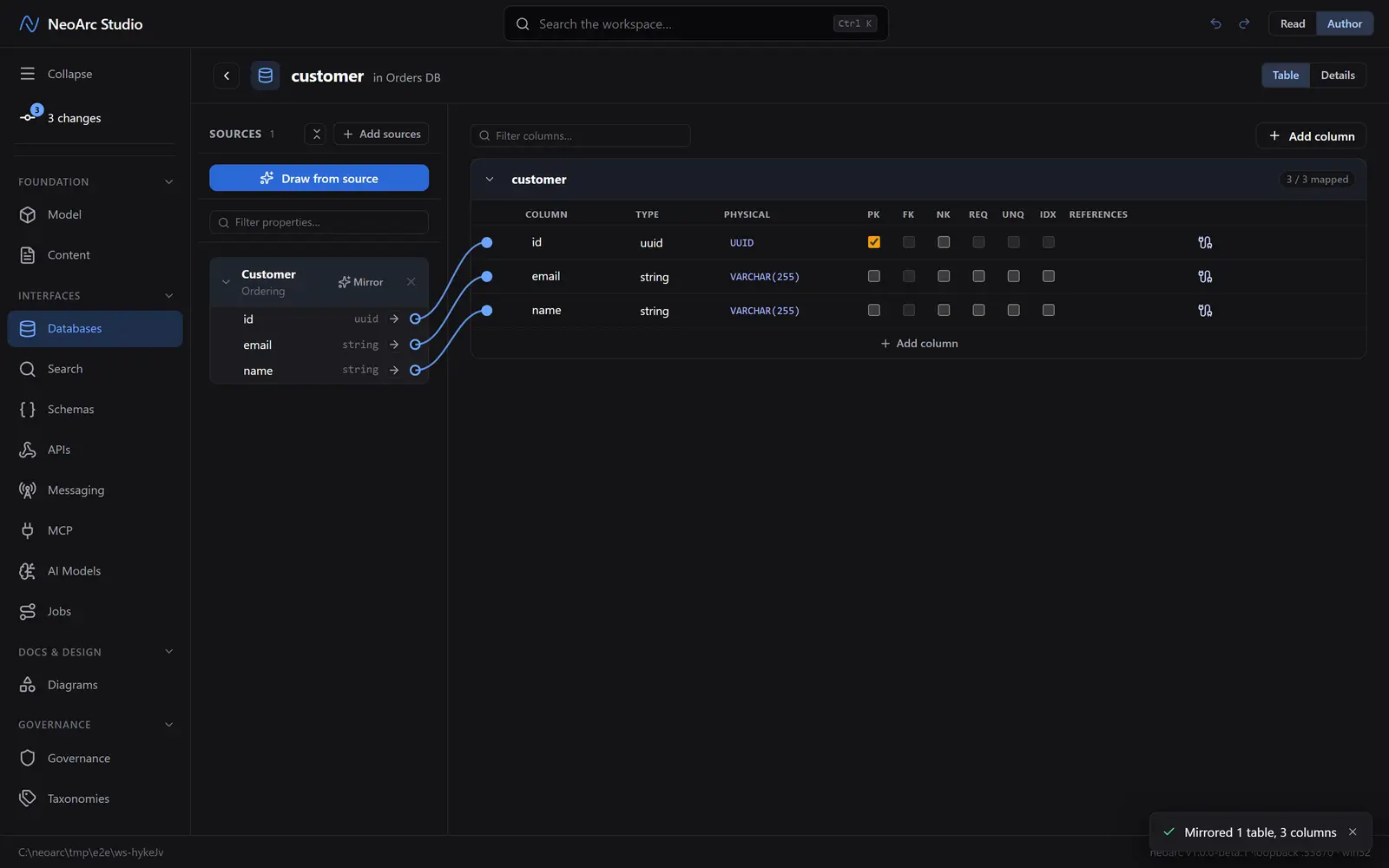
NeoArc lays out a table for each entity, with types the engine understands: your uuid becomes a UUID column, your strings become VARCHAR(255).
See the physical shape
Switch the top-right toggle to Read. The customer table now has concrete columns, typed the way PostgreSQL would type them, a precise design ready to hand to your team.
Follow the lineage
Switch back to Author and click the customer table to open its wiring. Every column is joined by a wire to the model property it was drawn from. This is lineage, and it is the point: change email on the model later and NeoArc knows exactly which columns, in which databases, are affected.
What next
- Draw a column by hand and map it to a source yourself, or wire in a second source.
- Add a relationship in the model ([Relate two entities](../02-relate-two-entities)) and the next mirror brings it down here as a foreign key, no re-drawing.
- Project the same model onto an API, a search index, or a message topic, each keeping its own lineage back to these fields.