 Xtrable
Work rarely stays in one phase. A rename you made in Q3: Delivery may belong in Q2: Discovery too; a spike on a working branch is ready to fold into its phase. NeoArc moves individual changes between phases and, where two phases touched the same thing, lets you pick a winner. This is git cherry-pick and merge underneath, presented as a choice rather than a command.
Before you start
Phases need a git-backed workspace (the top-left switcher only appears once NeoArc has set one up). Open the phase you want to bring a change into, and set the top-right toggle to Author. Then open the switcher at the top left.
Bring in a change
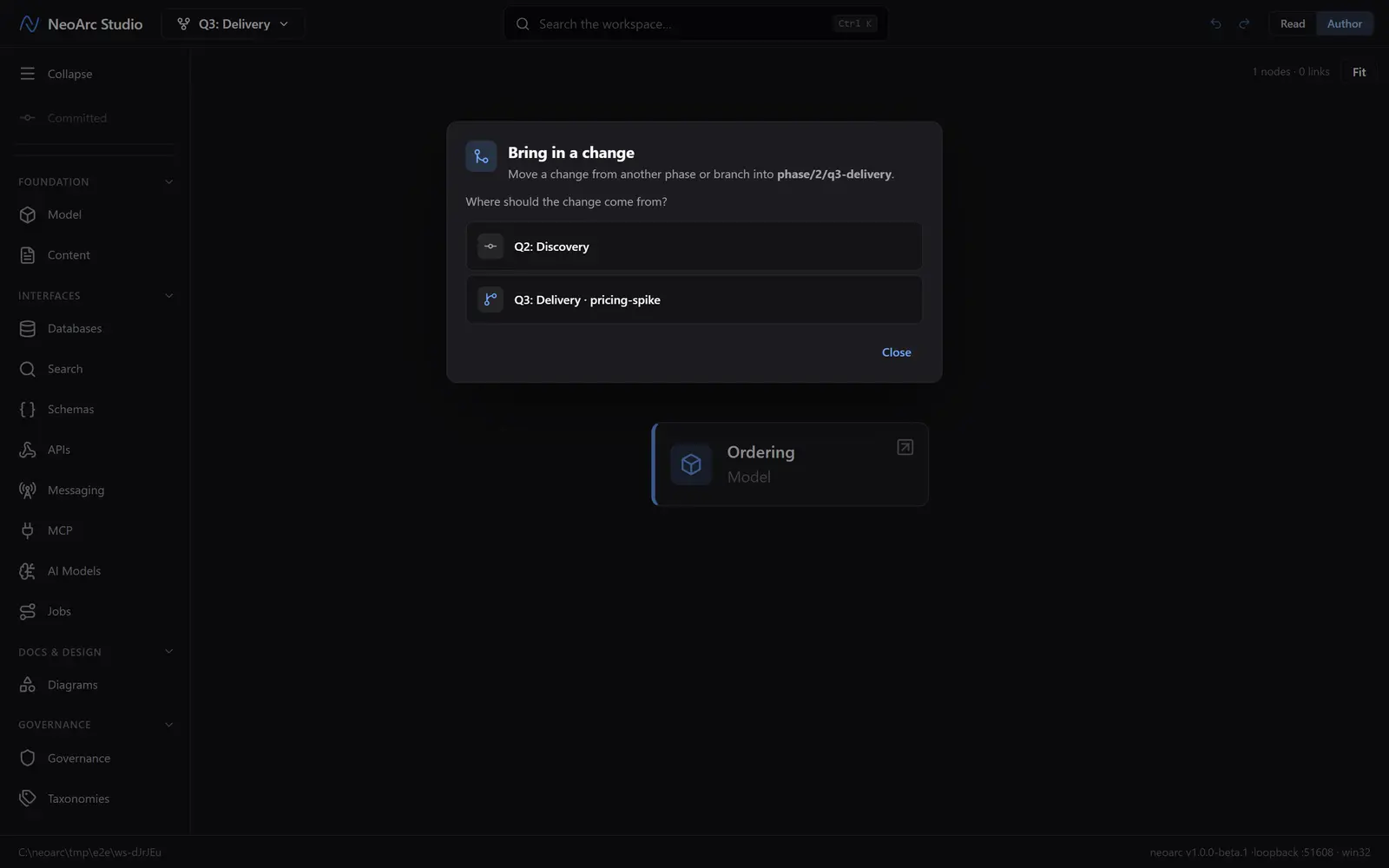
Choose Bring in a change from the switcher. First pick where the change comes from: another phase or one of its working branches. (The dialog heading names the phase you are bringing into by its underlying branch, such as phase/2/q3-delivery.)
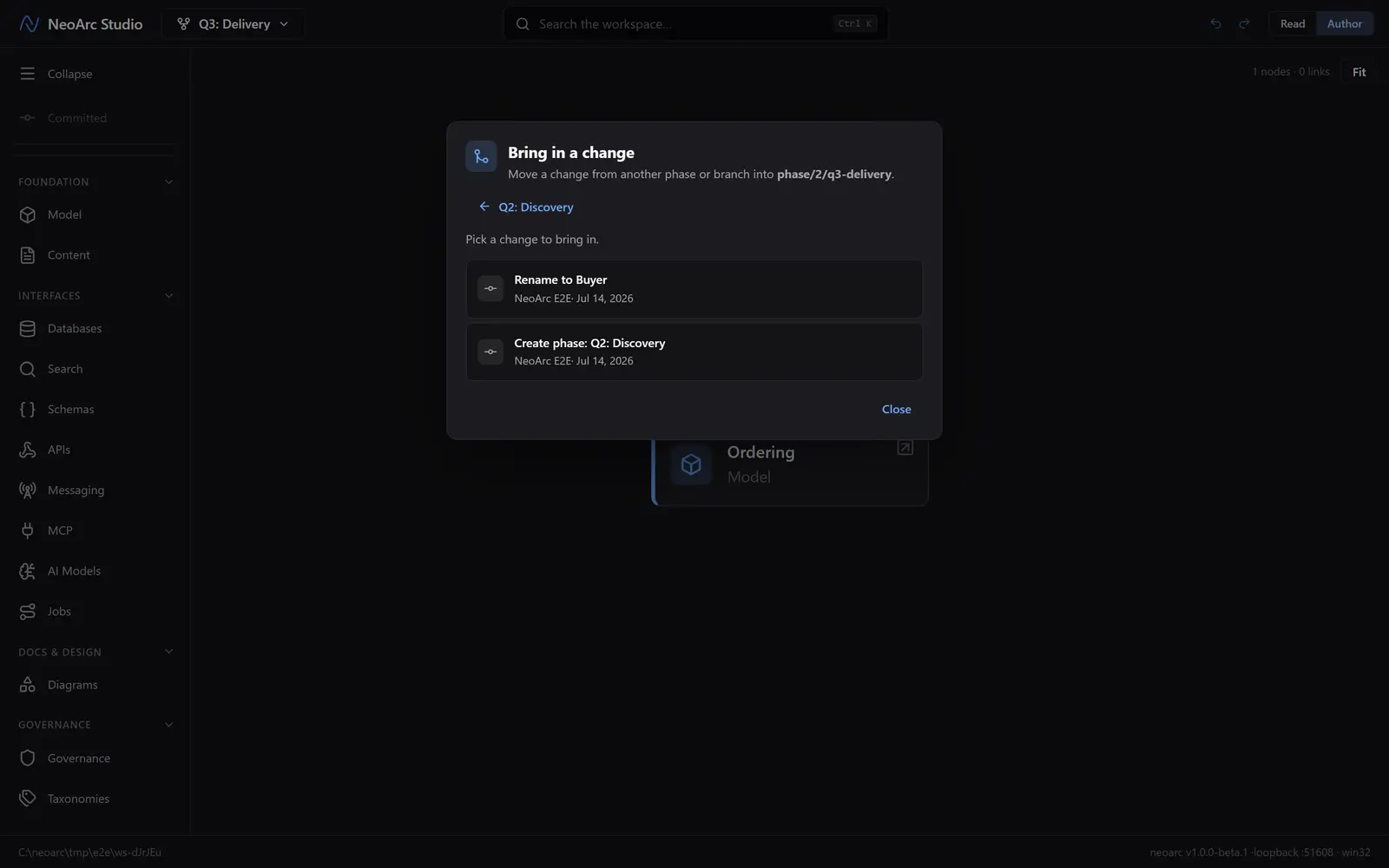
Then pick the change itself. NeoArc lists the commits that source has and the current phase does not, so you are only ever choosing from work that is genuinely new here.
If the change touches things the current phase has not, it applies cleanly and you are done. If it overlaps an edit this phase already made, NeoArc pauses to let you resolve it.
Resolve an overlap
The resolver shows only the genuine clashes; everything that did not overlap was already merged for you. Each row names what clashed and its two values: the incoming one and the one this phase already has. Choose a winner per row, then apply.
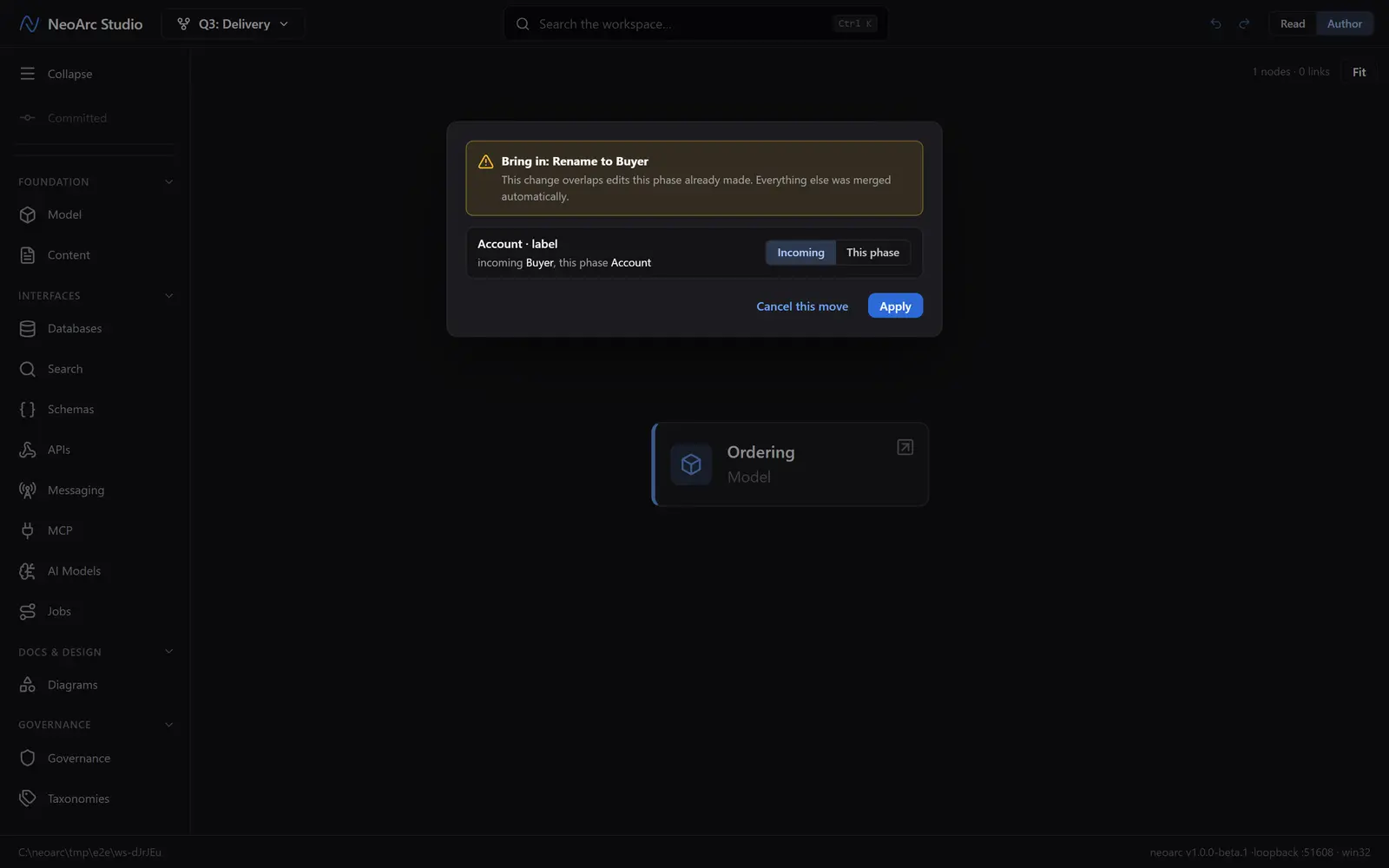
By default every clash is set to take the incoming change, so applying without touching anything brings the change in as-is. Cancel instead and the whole move is undone, leaving the phase exactly as it was.
Merge a working branch back
A working branch folds into its parent phase the same way. In the switcher, hover the working branch (the indented row under its phase) to reveal two controls to its right: the merge glyph and, next to it, a delete glyph. Choose merge and the phase gains the branch's work.
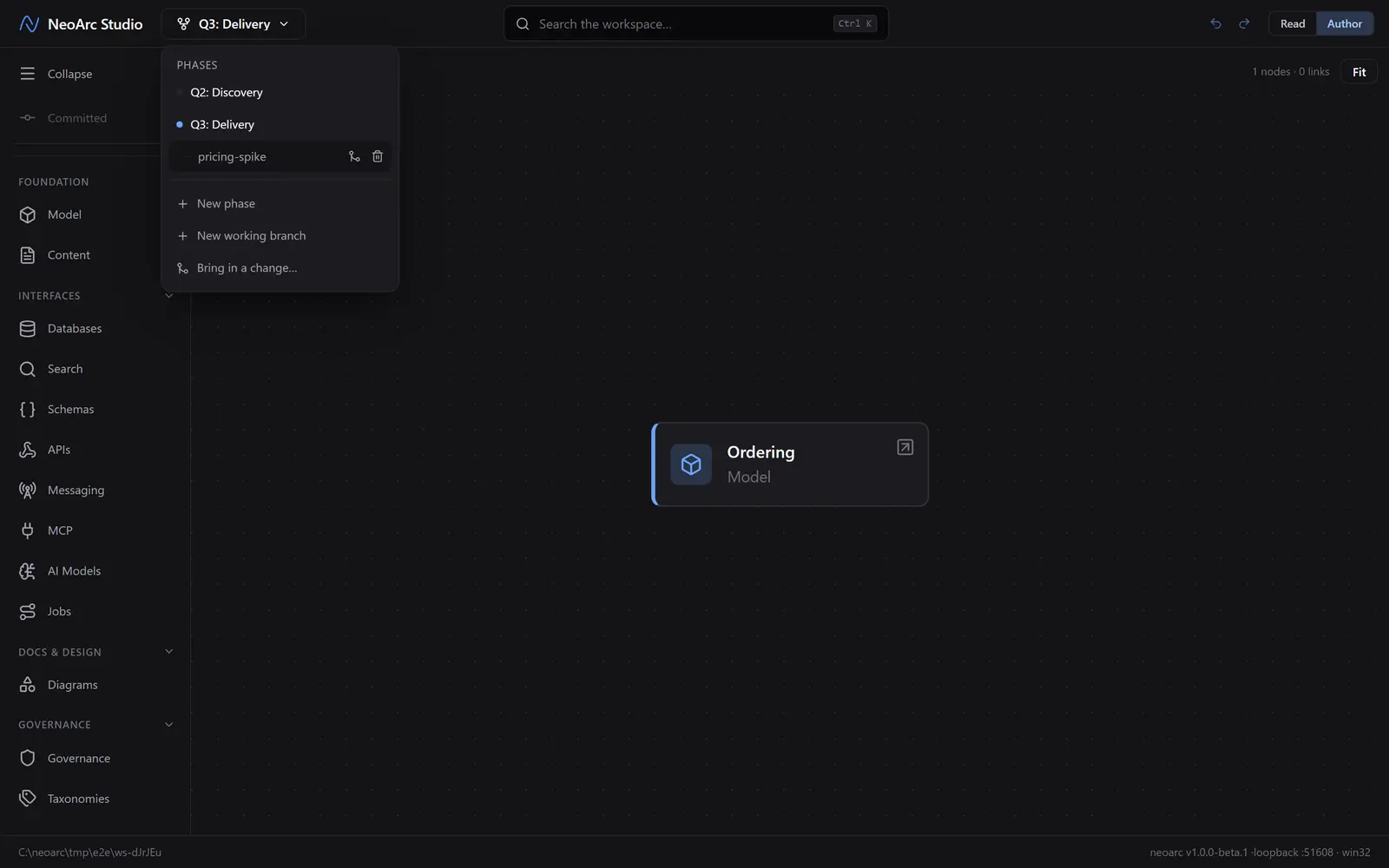
A clean merge lands straight away; an overlap opens the same resolver you used above. Once it is merged, delete the working branch with the control beside it, or leave it to keep developing.
What next
- The same resolver appears when NeoArc syncs and a teammate changed the same thing you did: choose a winner and carry on.
- Bringing in one change at a time keeps each phase's history readable, so you can always see what came from where.