 Xtrable
A document store models a collection as a tree of fields, and the decision that defines it is embed versus reference. In NeoArc a field can be a scalar, an embedded object or array, or a reference to another collection. Here you design a product collection with an embedded object.
Before you start
Open Databases in the left sidebar (under Interfaces) and make sure the top-right toggle is on Author.
Create a document database
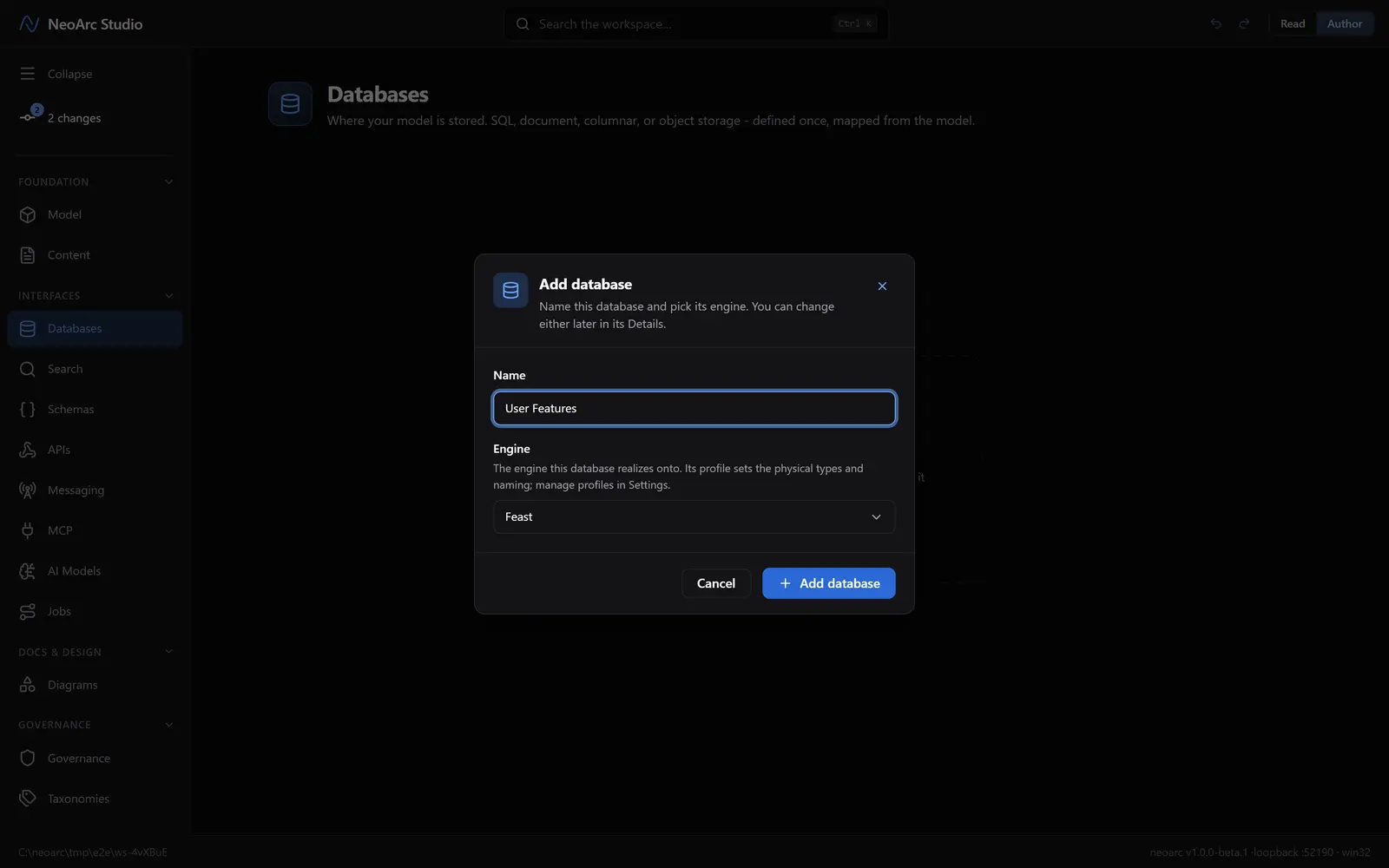
In the Databases panel, click Add database (or Add in the panel header). Name it Catalog and pick a document engine, say MongoDB, from the Engine list. Click Add database.
Shape a collection
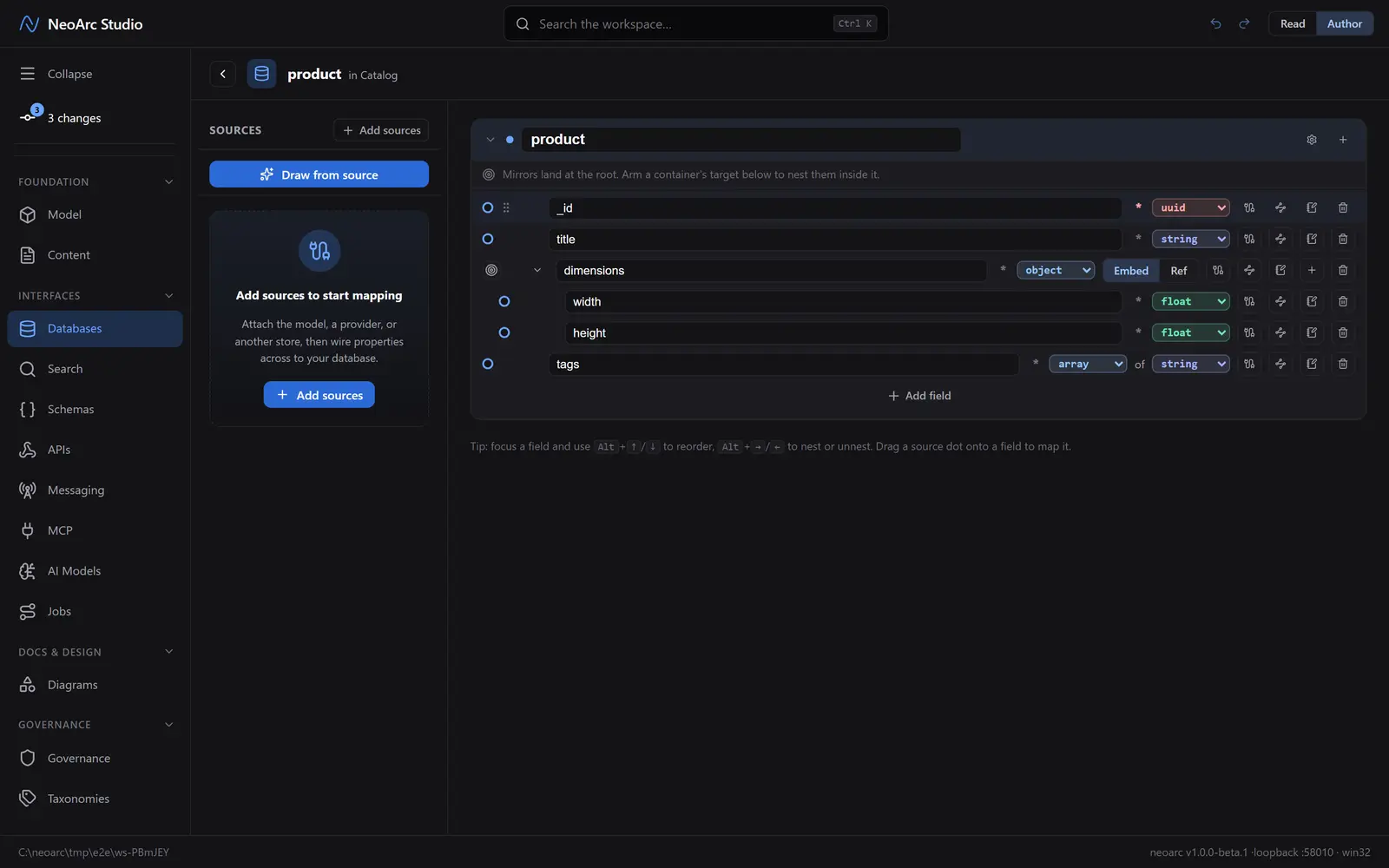
Catalog opens ready for its first collection. Click Add your first document type; it seeds a collection with an _id. Add a field (title). To nest, add a field and set its Field type to object (an embedded document) or array; an Embed | Ref toggle then appears on it. Keep Embed to store the children inline, or switch to Ref to point at another collection by its id. Here dimensions is an embedded object with width and height inside it, and tags is an array of strings.
Read it back
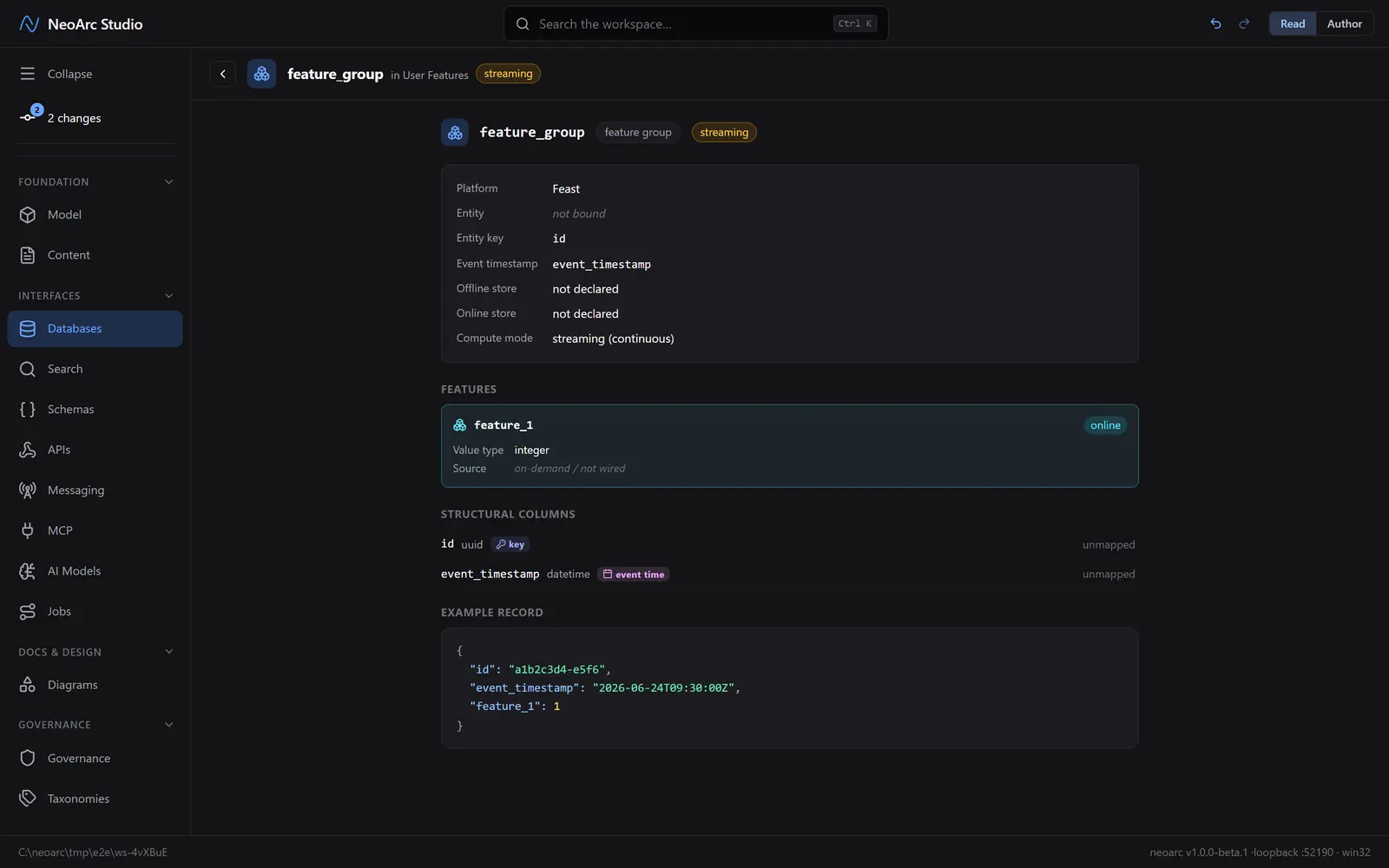
Switch the top-right toggle to Read. The collection reads as a field tree with the nesting intact, and an example document shows the shape a driver would see.
What next
- Switch an embedded object to a Ref to model a relationship across collections instead of inlining it.
- Wire a field from the model (or another store) so the collection keeps its lineage.
- Add an array of embedded objects for an inline one-to-many.