 Xtrable
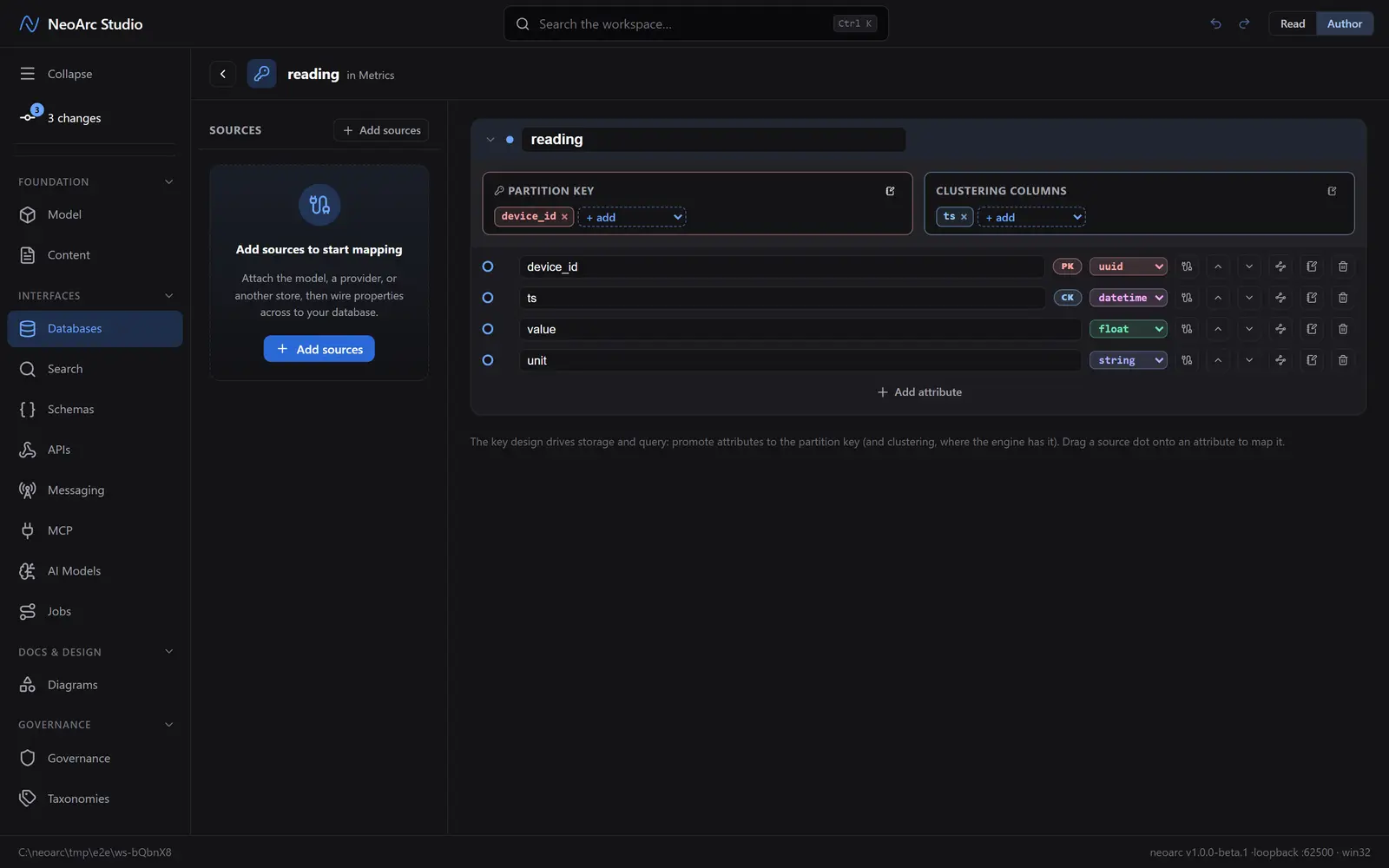
In a wide-column store the key design is the model. A table is keyed on a partition key (which node holds the row) plus ordered clustering columns (how rows sort within it), and you design for your access patterns first. NeoArc's wide-column editor makes that key the hero. Here you design a reading table keyed on device and time.
Before you start
Open Databases in the left sidebar (under Interfaces) and make sure the top-right toggle is on Author.
Create a wide-column store
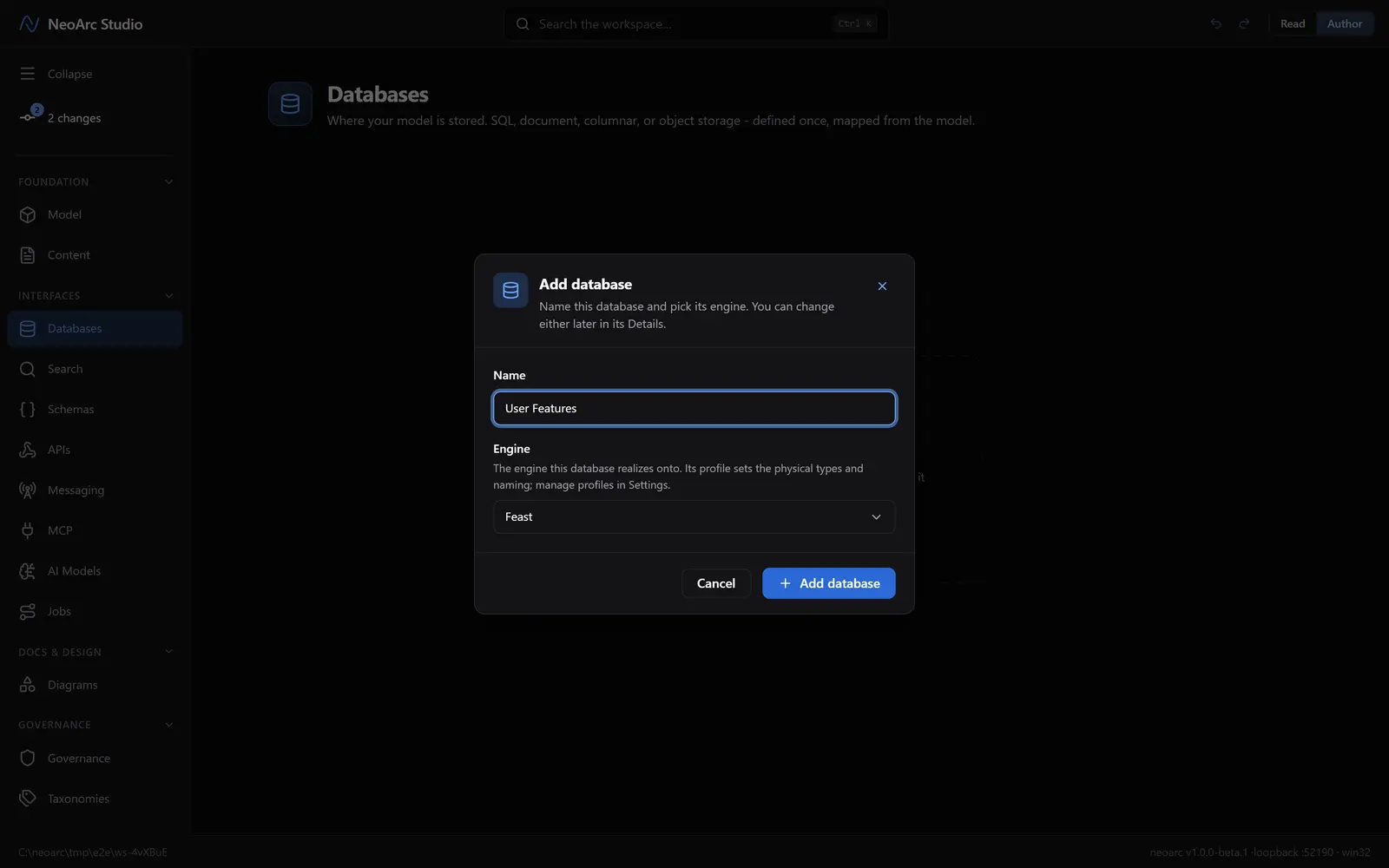
In the Databases panel, click Add database (or Add in the panel header). Name it Metrics and pick a wide-column engine, say Apache Cassandra. Click Add database.
Design the key
Click Add your first table; it seeds an id partition key. Add the attributes you need with Add attribute (device_id, ts, value, unit), then promote the key ones with the + add control on the Partition key and Clustering columns slots. Here device_id is the partition key and ts the clustering column, with value and unit as plain attributes. The composite key drives storage and query.
Read it back
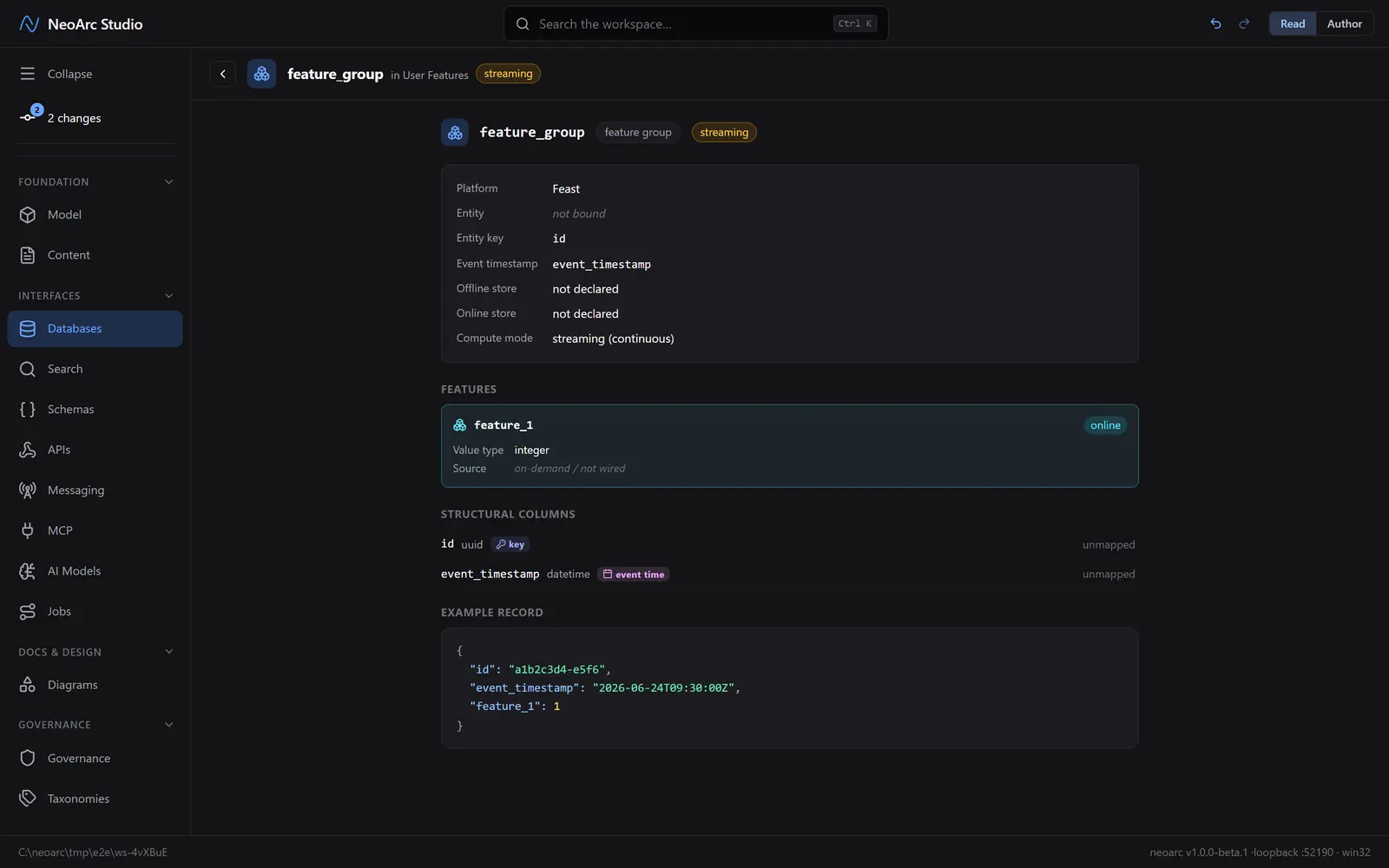
Switch the top-right toggle to Read. The table shows each attribute's key role (PK, CK) and an example item.
What next
- Add a second part to the partition key for a composite partition.
- Reorder the clustering columns to change how rows sort.
- Wire an attribute from the model so it keeps its lineage.
- On an engine with a single row key (Bigtable, HBase), clustering collapses automatically.