 Xtrable
In NeoArc a schema is a contract wired to a concrete source, usually a database, so it reflects what you actually hold and traces back through to the model. Here you design a CustomerResponse shape, source it from your customer table, and let it export to JSON Schema, XSD, and GraphQL on demand.
Before you start
A schema draws from a concrete store, so you need a database to source from. Following [Project your model onto a database](../../01-foundations/03-project-onto-a-database), you will have the Ordering model projected onto Orders DB, whose customer table has email and name.
Add a schema
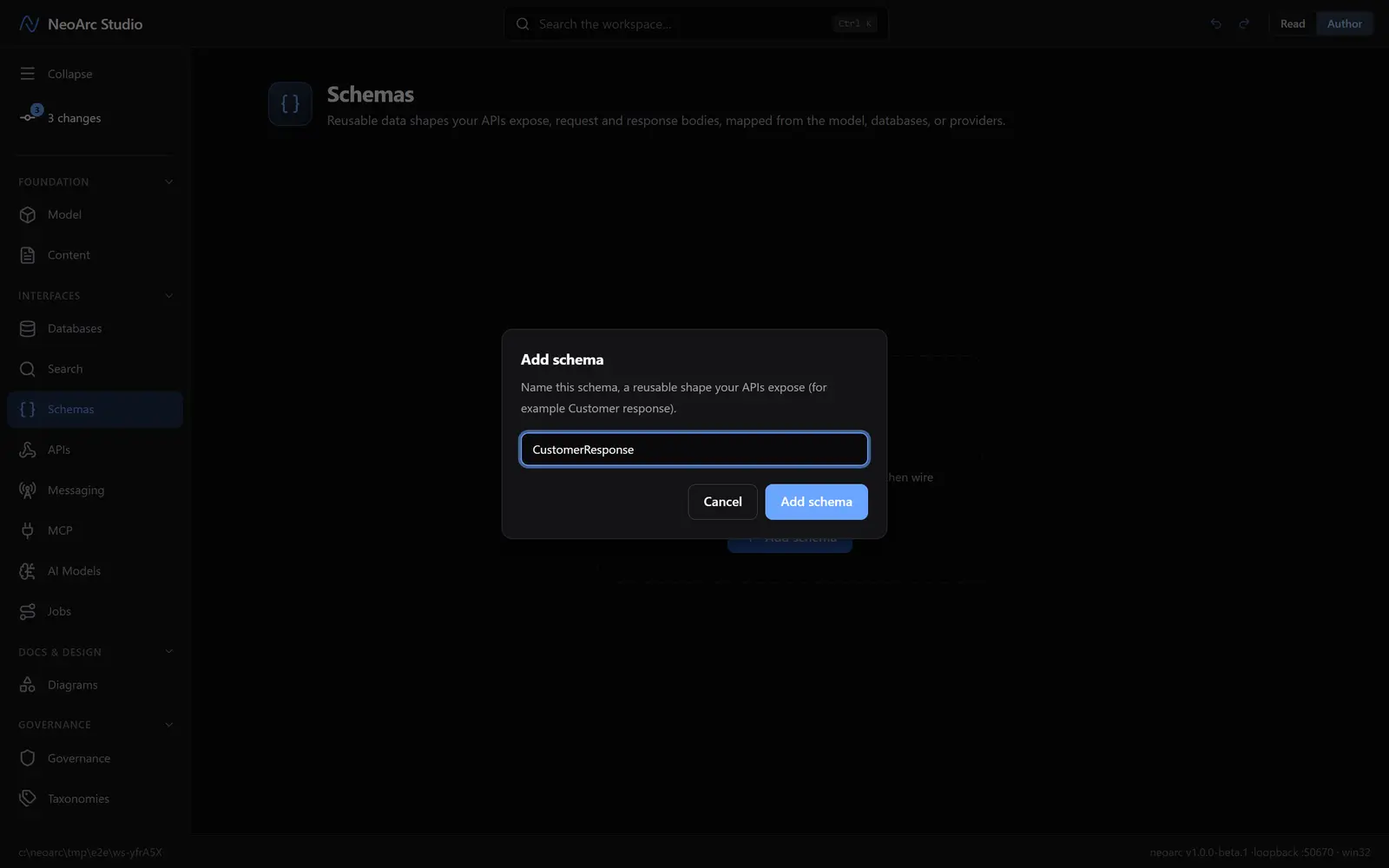
Open Schemas in the left sidebar (under Interfaces), and make sure the top-right toggle is on Author. On the empty Schemas page, click Add schema (the button in the centre) and name it CustomerResponse.
Author its fields
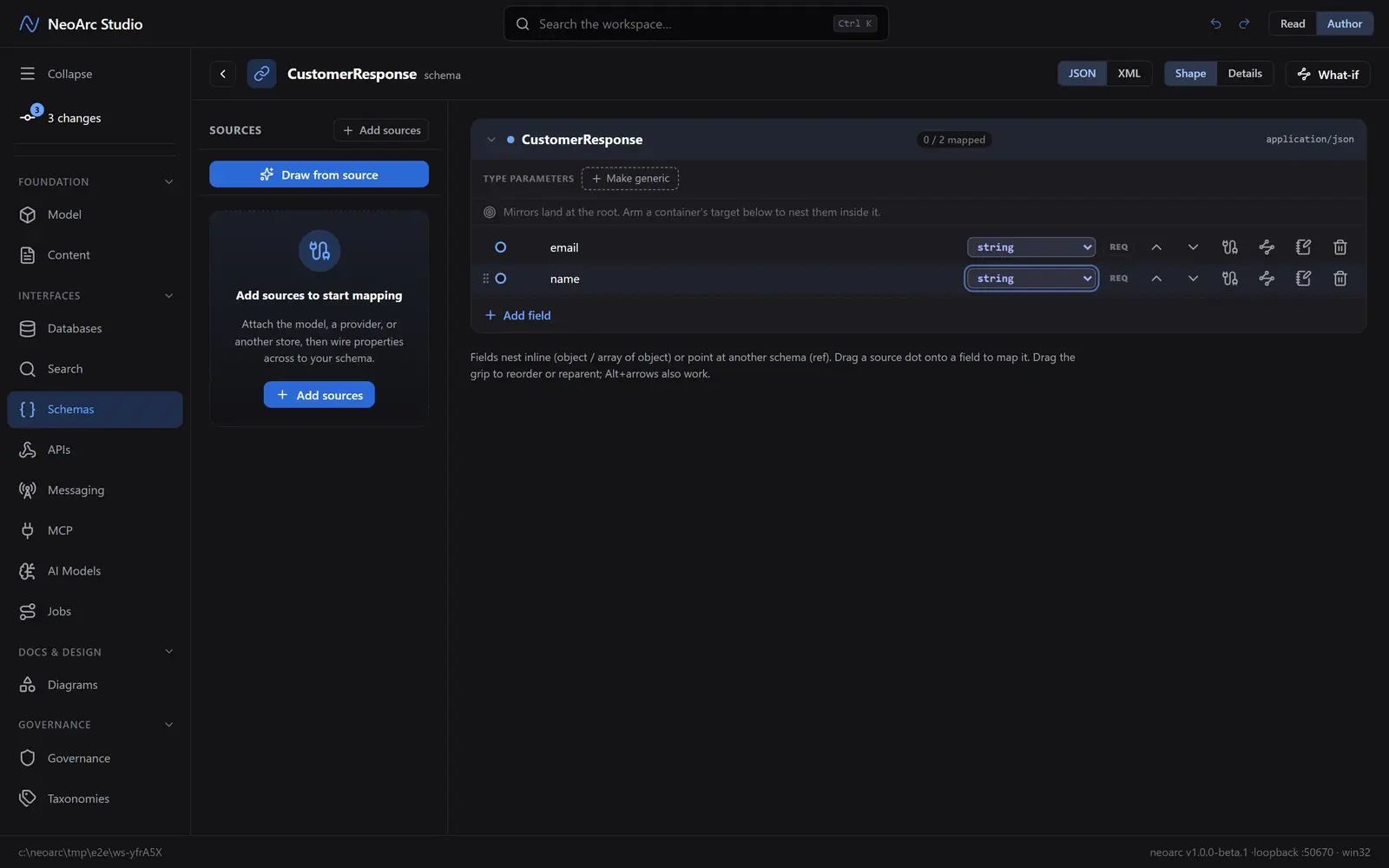
Click Add field and give it a name. Add two:
1. email
2. name
Each field defaults to string; leave them for now.
Wire it to a source
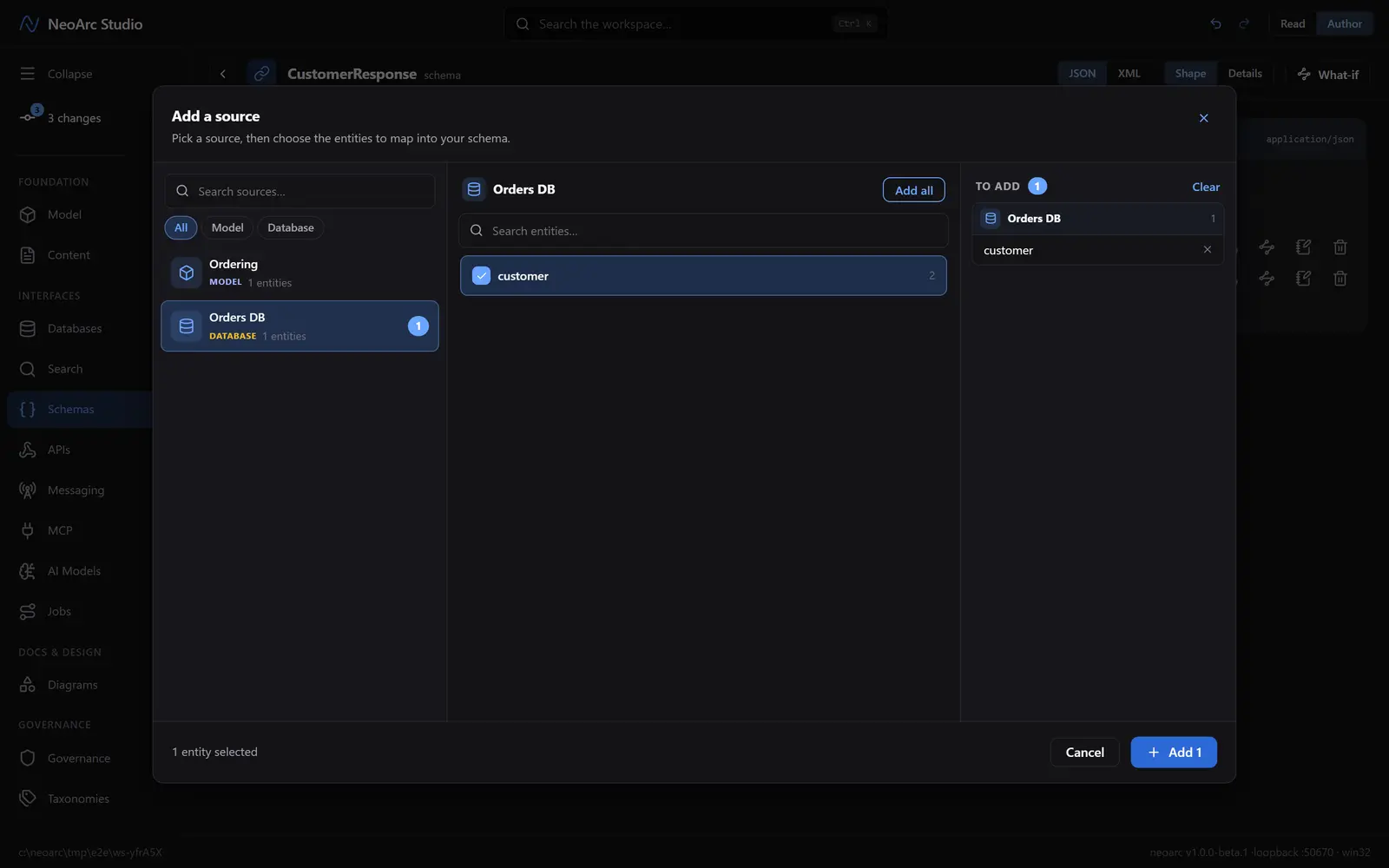
Fields you type by hand are only names. Wire them to a source so the values have a real origin. Click Add sources. In the dialog that opens, pick Orders DB, then Add all.
The database's customer table now sits on the left with a dot beside each column. Click the dot beside email, then click the email field; do the same for name. (Ignore the blue Draw from source button for now, we are wiring by hand.)
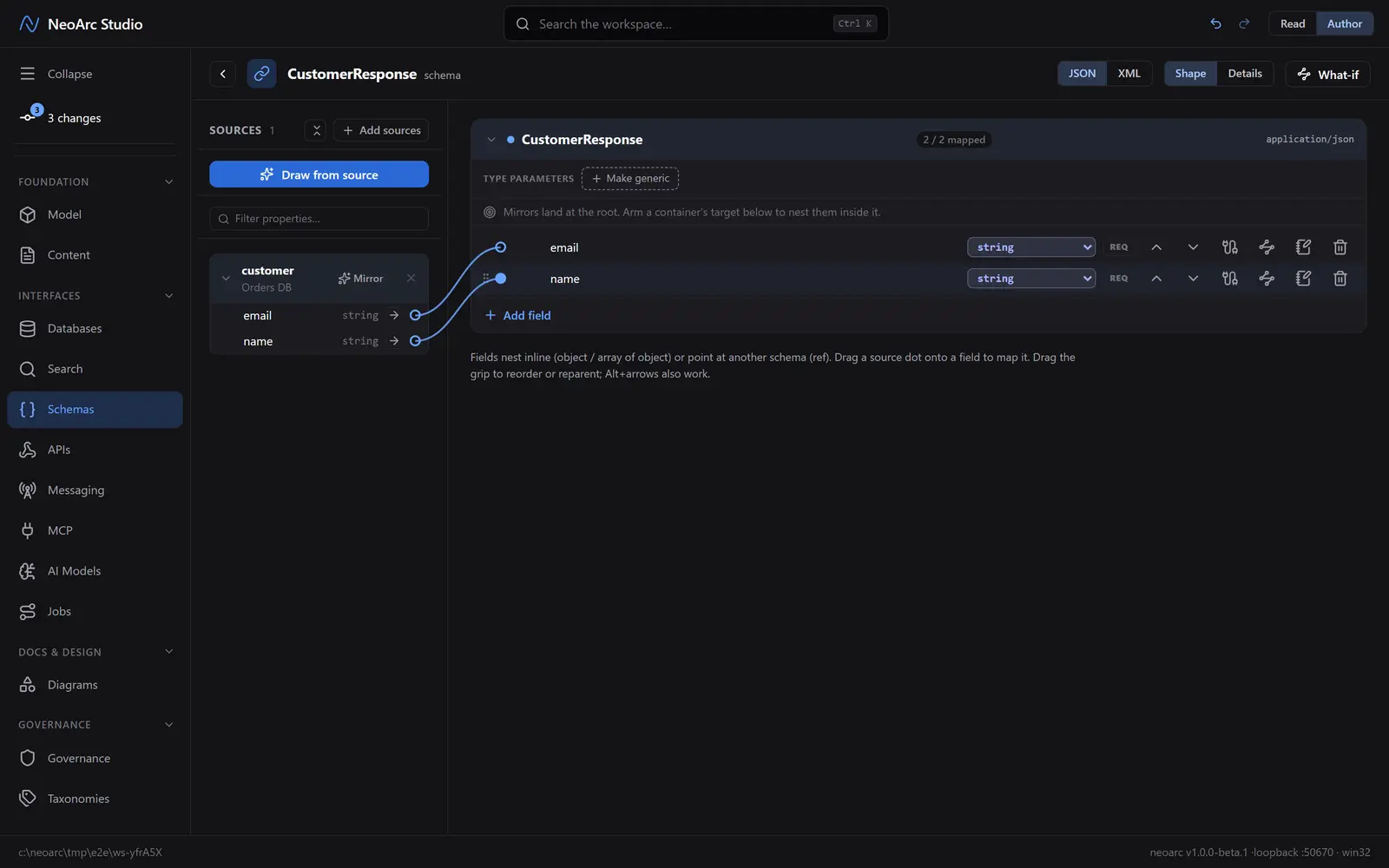
The 2 / 2 mapped pill confirms both fields are sourced.
See it rendered
Switch the top-right toggle to Read. NeoArc renders your shape as a worked example, and offers it in several formats at once: a JSON example, JSON Schema, an XML example, XSD, and GraphQL. Each field carries a lineage button back to the customer column it draws from (which itself traces on to the model).
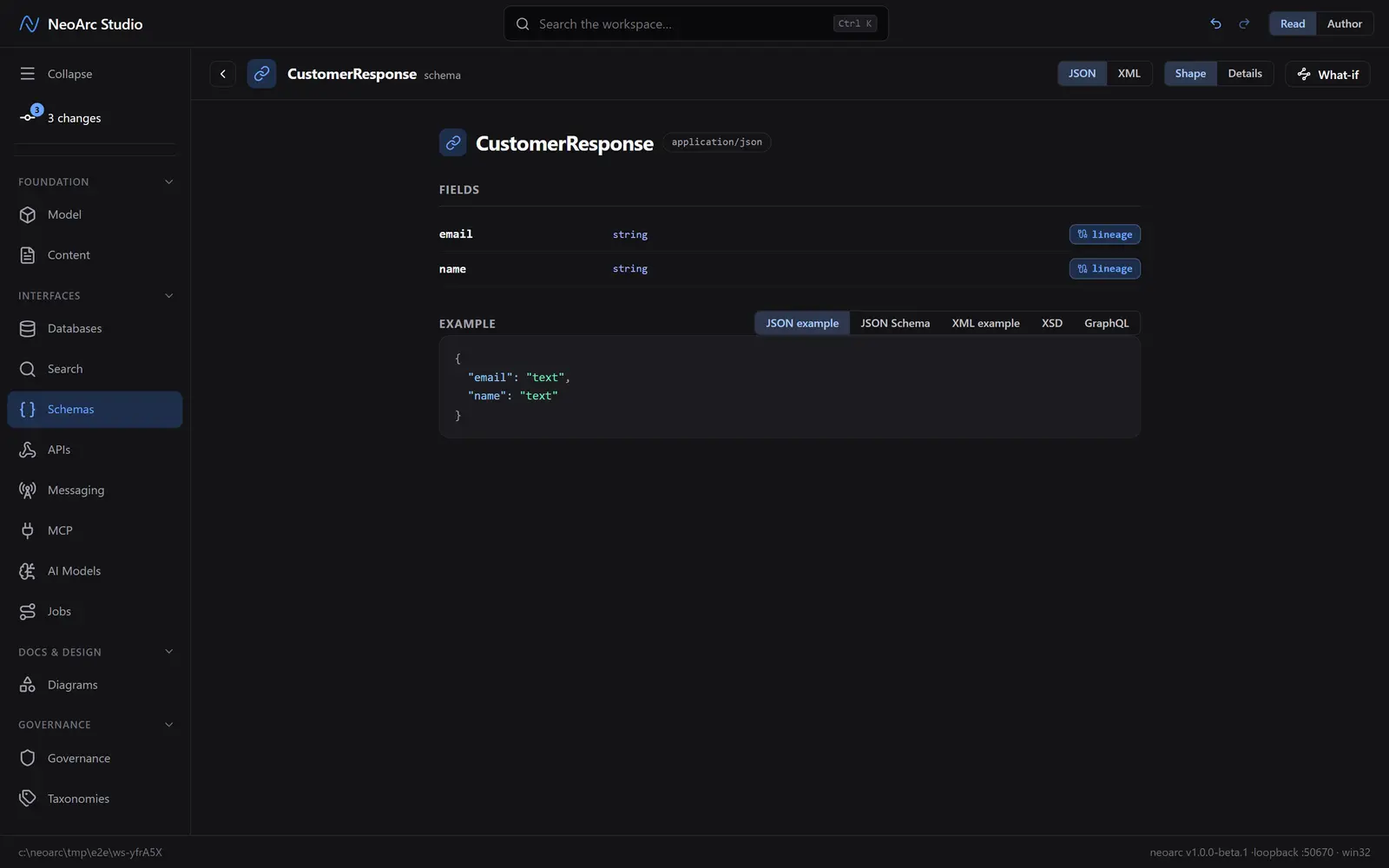
One design, many contracts, all traceable.
What next
- Reference this schema from an API operation ([Design a REST API](../02-design-a-rest-api)) so the operation is typed to return exactly this shape.
- Nest a field as an object or point it at another schema for richer contracts.
- Change a field upstream (in the model or the database) and the schema flags that its field needs a look, so the contract never drifts silently.